
Table of Contents
Compress PDF: Reduce File Size Without Losing Quality
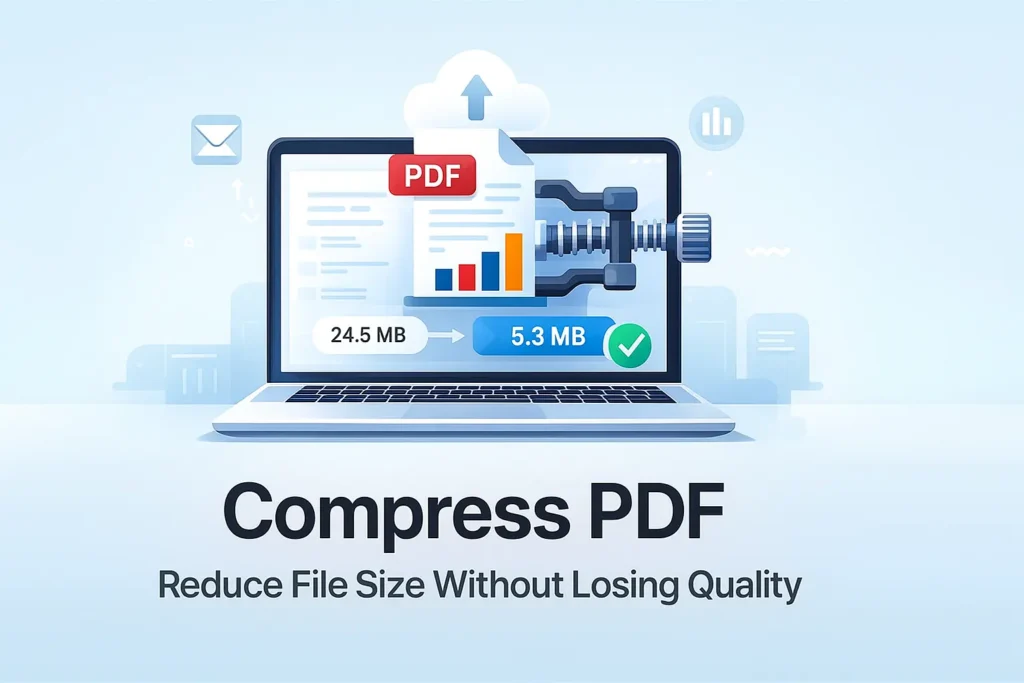
If you work with digital documents often, you know how frustrating large PDF files can be. They slow down uploads, take longer to share, and sometimes even fail to attach to emails. This is where a reliable Compress PDF tool becomes essential. On ilovepdfapp.com , you can minimize file size while keeping the quality of your documents intact. The tool uses smart compression methods that shrink your PDF without making the text or images blurry.
In today’s fast digital world, people want small, clean, and easy-to-share files. Whether you’re a student, professional, or business owner, optimizing your documents helps you save time and storage. A simple click with the Compress PDF tool can make your file lighter and more efficient.
Why Compressing a PDF Matters
PDFs are great for preserving formatting, but they can be heavy due to images, graphics, and embedded fonts. A compressed file helps you:
- Upload documents faster.
- Share files easily through email or messaging apps.
- Save space on your device.
- Improve website performance if you use PDFs online.
With the Compress PDF tool on ilovepdfapp.com, you get fast results without needing any software. Everything works online, directly from your browser.
How ilovepdfapp.com’s Compress PDF Tool Works
The tool analyzes your file and applies the best compression algorithms based on your content. It reduces unnecessary data, optimizes images, and cleans up hidden elements that increase file size.
Here’s how simple the process is:
- Upload your PDF file
- Choose your compression level
- Click “Compress”
- Download your optimized file in seconds
Even large PDFs become light and easier to store, while the quality remains clear enough for professional use.
Features of the Compress PDF Tool
- High-Quality Output
Your document stays readable and sharp. The tool focuses on reducing size without compromising clarity.
- Fast Online Compression
You don’t need to install anything. Everything happens instantly on the website.
- Secure and Safe
Your files are processed securely and removed from the server after completion.
- Works on Any Device
Use it on mobile, laptop, or tablet. The interface is simple and user-friendly.
- Free and Accessible
You can compress multiple PDFs anytime without limitations.
Best Use Cases for PDF Compression
- Sending job applications.
- Submitting school assignments.
- Uploading documents on government portals.
- Sharing presentations and reports.
- Compressing image-heavy PDFs like brochures or catalogs.
FAQs About Compress PDF
Most of the time, no. The tool keeps text sharp and images clear while removing extra data.
Yes. Files are deleted automatically after processing, ensuring your privacy.
You can compress them one by one using the tool. It works as many times as you want.
No. The file stays in PDF format. Only the size gets smaller.
No. Everything works online through ilovepdfapp.com without downloads.
Final Thoughts
A large PDF can slow you down, but a simple compression tool can fix that in seconds. With the Compress PDF feature on ilovepdfapp.com, you get fast, clean, and high-quality results every time. It’s an easy way to improve your workflow and keep your documents light and professional.