
Convert PDF to Video Slideshow Online Without Complications
You’re not the only one who wants to make a PDF full of slides, notes, or images more interesting. Since videos are simpler to share, present, and comprehend, many people now wish to convert PDFs to online slideshows. Video slideshows make static documents come to life, whether they are used for social media, business, or education.
Fortunately, neither expensive software nor sophisticated editing abilities are required. In just a few simple steps, you can transform a PDF into a polished, professional video slideshow using the appropriate online tools.
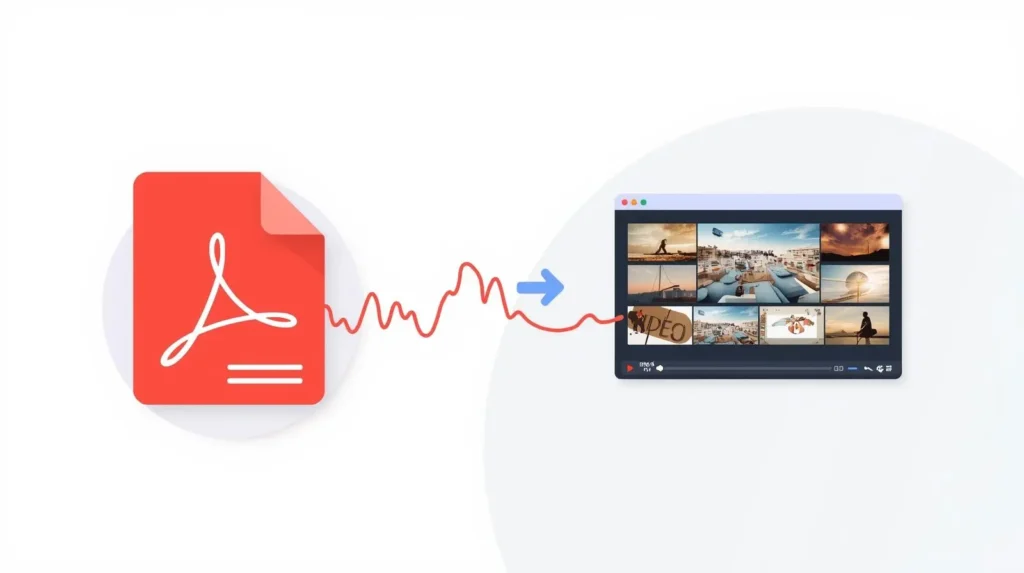
Why Convert a PDF Into a Video Slideshow?
Although PDFs are excellent for storing data, they are not always the most effective way to present it. Online PDF to video slideshow conversion offers the following benefits:
- Your writing becomes more interesting.
- Videos are more effective for training and presentations.
- Sharing slideshows on websites like YouTube or WhatsApp is simpler.
- Viewers don’t need to download any files to watch.
For this reason, instead of sending lengthy documents, educators, marketers, students, and business teams are increasingly opting to convert PDFs to online video slideshows
How Online PDF to Video Slideshow Tools Work
The majority of online tools have a straightforward procedure. After selecting the slideshow settings and uploading your PDF, you download the finished video. The program typically transforms each page into a slide and adds transitions between them when you convert PDF to video slideshow online.
Additionally, some tools allow you to:
- Modify the length of the slide
- Include background music.
- Select the video resolution.
- Export in MP4 format
The process is simple and familiar if you are already using document tools like the ilovePDF app. Clean results can be obtained without design experience.
Step-by-Step: Convert PDF to Video Slideshow Online
Here’s how to use an online tool to easily convert a PDF to a video slideshow:
- Visit ILovePDFApp PDF conversion website.
- Select PDF to Video Converter Tool.
- Upload your PDF.
- Choose the slideshow or “PDF to Video” option.
- Modify the music or slide timing if it is available.
- To download the video, click Convert.
That’s it. No complex settings or installations.
Tips for Better Video Slideshow Results
Remember these pointers to get the best results when converting PDFs to online video slideshows:
- Make use of a tidy, organized PDF.
- Steer clear of extremely small text.
- Maintain the visual balance of the slides.
- Make use of consistent colors and fewer fonts.
- Examine the preview prior to downloading.
For quicker processing, think about compressing your PDF first if it’s too big.
Helpful PDF Tools You Might Need
While working with PDFs, you often need more than one tool. Here are some useful options to combine with your slideshow workflow.
🔹 Compress PDF
Large PDFs can slow down conversion. Use a Compress PDF tool to reduce file size while keeping quality intact. This helps speed up the process when you convert PDF to video slideshow online.
🔹 PDF to Word
Need to edit text before creating a slideshow? A PDF to Word tool lets you make changes easily, fix content, or update slides before converting them into a video.
🔹 Split PDF
If your PDF is too long, use Split PDF to break it into smaller sections. You can then convert only the pages you need into a video slideshow.
Tools like the ilovePDF app make it simple to switch between these actions without confusion.
Is It Safe to Convert PDF to Video Online?
Security is a prevalent issue. Always consider the following when selecting an online tool for converting PDFs to video slideshows:
- HTTPS-based secure file uploads
- Automatic removal of files
- No coerced registrations
Reputable tools typically process files fast and, once converted, delete them from servers.
Who Should Use PDF to Video Slideshows?
This approach is effective for:
- Educators producing instructional videos
- Presentations submitted by students
- Companies exchanging training resources
- Content producers using PDFs for other purposes
- Reports being converted into videos by marketers
Making videos out of PDFs is a wise decision if you frequently use visuals to explain concepts.
Final Thoughts
There are new ways to share information when you learn how to convert PDFs to video slideshows online. You can provide interesting video content that people genuinely want to watch in place of static documents.
With online tools and familiar platforms like the ilovePDF app, the process stays simple and accessible for everyone.
FAQs
1. Can I convert PDF to video slideshow online for free?
Yes, many tools offer free options with basic features. Some may limit file size or add watermarks.
2. Will my PDF formatting stay the same in the video?
Most tools keep the original layout. Clean PDFs with clear structure usually convert best.
3. Can I add music when I convert PDF to video slideshow online?
Some tools allow background music. This depends on the platform you choose.
4. How long does the conversion process take?
For small to medium files, it usually takes less than a minute.
5. Do I need to install software to convert PDF to video slideshow online?
No. Online tools work directly in your browser.
Follow Us on Social Media
Share your experience—let colleagues and friends know how easy it is to protect documents on ilovepdfapp.com!
- Facebook: I Love PDFApp on Facebook
- Twitter: I Love PDFApp on Twitter
- Telegram: I Love PDFApp on Telegram
- Linkedin: I Love PDFApp on Linkedin
- Pinterest: I Love PDFApp on Pinterest