
Table of Contents
Free PDF Converter: Easy Way to Convert Files to PDF Online
Sharing documents sounds simple until file formats create problems. One person sends an image, another sends a Word file, and someone else shares an Excel sheet. When you open them on different devices, the layout breaks or the file does not open properly. This is where a pdf converter becomes useful.
A good PDF converter helps you turn files into PDF format quickly, without losing quality or formatting. In this guide, you will learn what a PDF converter is, why you might need one, and how to use ilovepdfapp.com to convert files easily, even if you are a beginner.
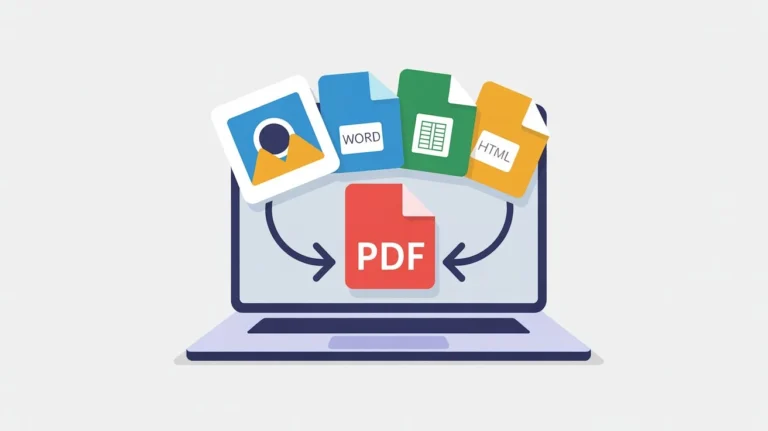
What is a PDF Converter?
A pdf converters is a tool that changes files from one format to another, usually into PDF. It can also convert PDFs back into editable formats when needed.
For example, you can convert images into PDF, turn MS Office documents into PDF, or change a web page into a PDF file. Many tools also include PDF security features to protect sensitive documents.
Online PDF converters are popular because they are simple, fast, and work directly from your browser.
Why You Might Need a PDF Converter
People use PDF converters for many everyday tasks. Below are some common reasons why a converter is helpful:
- To share documents without layout changes
- To make files easier to open on any device
- To combine multiple images into one PDF
- To convert MS Office files into a professional format
- To secure documents with password protection
Whether you are a student, office worker, or small business owner, a PDF converter saves time and avoids file compatibility issues.
How to Use a PDF Converter Using ilovepdfapp.com
ilovepdfapp.com offers multiple PDF tools in one place, designed for users who want quick results without technical steps. You can access the tools here:
https://ilovepdfapp.com
Step-by-Step Guide
Here is a simple process to convert files using ilovepdfapp.com:
- Open your browser and visit ilovepdfapp.com.
- Choose the PDF conversion tool you need.
- Upload your file from your device.
- Select the output format if required.
- Click the convert button.
- Download the converted PDF file once ready.
The process is fast and works smoothly on both desktop and mobile devices.
Image to PDF Converter
An Image to PDF helps turn JPG, PNG, or other image files into a single PDF document. This is useful for scanned documents, photos of notes, or image-based reports.
You can upload multiple images, arrange them in order, and convert them into one clean PDF file.
MS Office to PDF
With MS Office to PDF , you can turn Word, Excel, or PowerPoint files into PDF format. This keeps the formatting intact and makes the file easier to share.
This is especially useful when sending resumes, reports, or presentations.
HTML to PDF Converter
An HTML to PDF allows you to convert web pages or HTML files into PDF. This is helpful for saving online content, invoices, or web-based reports for offline use.
The converted PDF keeps the structure and layout of the original page.
PDF Security Options
PDF security is important when dealing with private or official documents. ilovepdfapp.com offers options to protect PDFs so your data stays safe.
You can secure PDF files by restricting access or protecting them from unauthorized changes.
Key Features of ilovepdfapp.com for This Task
ilovepdfapp.com focuses on simplicity and usability. When using its PDF converter tools, you get features that matter to real users:
- Clean and easy to understand interface
- No software installation needed
- Works on all major devices and browsers
- Fast file processing
- Supports multiple file formats
- Secure handling of uploaded files
These features make it suitable for beginners who want results without confusion.
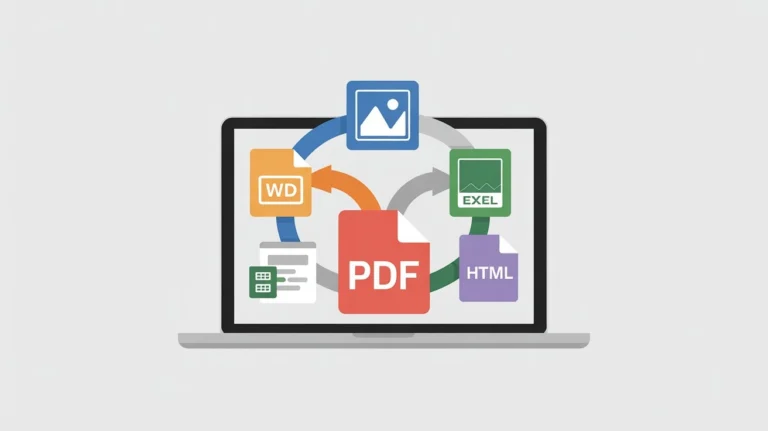
Benefits of Using an Online Tool
- Using an online pdf converter has several advantages over offline software.
- First, there is no installation. You save storage space and avoid setup issues.
- Second, online tools are accessible anywhere. You can convert files at home, in the office, or on the go.
- Third, updates happen automatically. You consistently utilize the most recent version of the application..
- Finally, online converters are designed to be simple. You do not need technical knowledge to use them effectively.
Also Try Other Tools
Common Questions or FAQs
Q1. Is it safe to use an online PDF converter?
Ans. Yes, when you use a trusted platform like ilovepdfapp.com, files are handled securely and processed automatically.
Q2. Can I convert files on my mobile phone?
Ans. Yes, ilovepdfapp.com works well on mobile browsers, allowing you to convert files easily from your phone.
Q3. Which file formats are supported?
Ans. Most common formats are supported, including images, MS Office files, and HTML files.
Q4. Do I need to create an account?
Ans. No account is required for basic PDF conversion tasks.
Q5. Will the quality of my file change after conversion?
Ans. The conversion process is designed to keep formatting and quality as close to the original as possible.
Final Thoughts
A reliable pdf converter makes document handling simple and stress free. Instead of worrying about file formats, you can focus on sharing and storing your documents properly. ilovepdfapp.com offers a range of tools like Image to PDF converter, MS Office to PDF, HTML to PDF converter, and PDF security options, all in one place.
If you are looking for an easy and beginner friendly way to convert files to PDF, visit ilovepdfapp.com today and get started in just a few clicks.
Follow Us on Social Media
Share your experience—let colleagues and friends know how easy it is to protect documents on ilovepdfapp.com! Connect with us on
- Facebook: I Love PDFApp on Facebook
- Twitter: I Love PDFApp on Twitter
- Telegram: I Love PDFApp on Telegram
- Linkedin: I Love PDFApp on Linkedin
- Pinterest: I Love PDFApp on Pinterest