
Table of Contents
PDF to XML: Convert Your PDF Files into Structured XML Easily
Working with data inside PDF files can be frustrating, especially when you need the information in a structured format. XML is widely used for data exchange, automation, and software applications, which makes converting PDF to XML a smart choice for developers, analysts, and businesses.
If you want a quick and reliable way to extract data from PDFs and turn it into editable, structured XML, ilovepdfapp.com , offers a simple online tool that gets the job done with just a few clicks.
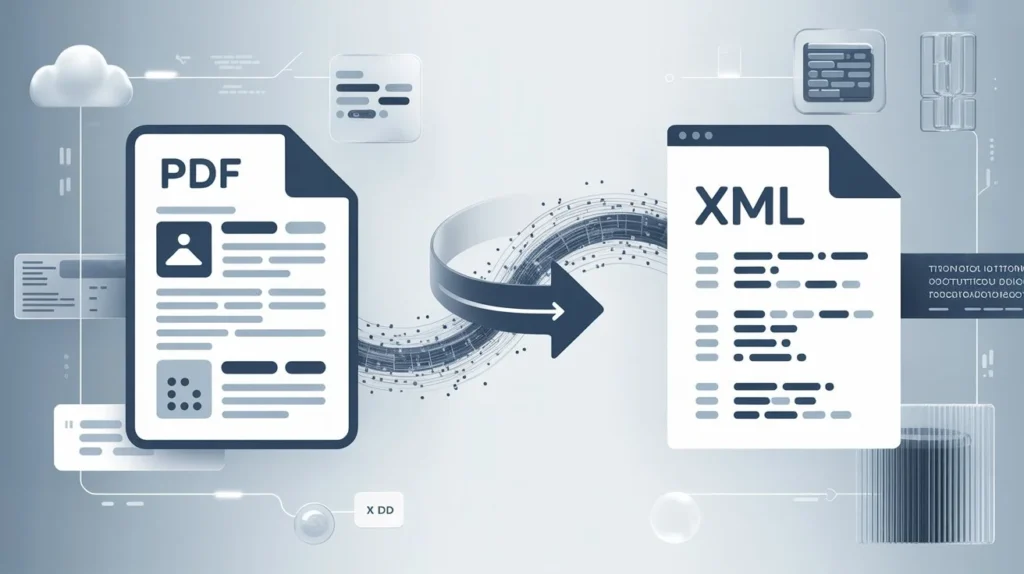
What Is PDF to XML Conversion?
This conversion takes the content inside a PDF file and converts it into XML format. XML (Extensible Markup Language) organizes data using tags, making it easier to process, import into databases, or integrate with software systems.
Whether you have invoices, reports, forms, or large datasets, converting PDF to XML helps you work with the content more efficiently.
Why Convert This?
- Easy Data Extraction
A PDF usually locks your data into a fixed layout. Converting This turns that same data into a flexible, structured format that you can edit or use in applications.
- Ideal for Automation
XML works well with scripts, bots, and automation tools. If your workflow depends on system integrations, XML makes it easier to streamline processes.
- Better Organization
Unlike PDFs, XML stores data in a clean, organized hierarchy. This makes it useful for archiving, categorizing, and sharing information across different systems.
- Software Compatibility
Most modern applications accept XML as an import format. After converting, you can use the data anywhere you need it.
How ilovepdfapp.com Makes Extensible Markup Language Simple
This tool converter on ilovepdfapp.com is designed to save time while giving you accurate results. The process is straightforward:
- Upload your PDF file.
- Click “Process”.
- Download your structured XML output.
No installation, no complex setup, and works on all devices.
The tool ensures clean formatting so the XML file is ready for data processing, APIs, or database imports.
Use Cases for PDF to XML Conversion
- Business Reports
Turn reports into XML for analytics or system integration. - Invoices and Receipts
Extract financial data and use it in accounting software. - Forms and Applications
Make form data machine-readable for automation. - Research and Technical Documents
Convert large technical PDFs into structured data for further processing.
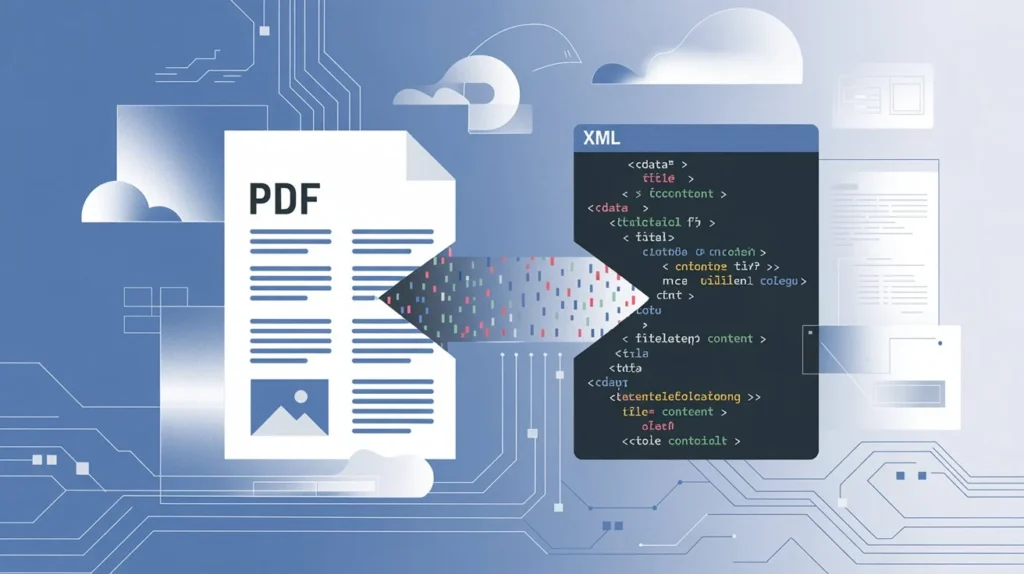
Benefits of Using This Tool on ilovepdfapp.com
- Accurate Extraction
The converter reads text, tables, and structured elements for precise XML output. - Fast Processing
Your file converts within seconds, even for large PDFs. - Browser-Based Tool
No software download is required. Everything happens online. - Free and Easy to Use
The site offers quick access without complications.
Tips for Getting the Best XML Output
- Use high-quality PDF files for cleaner results.
- Make sure text is selectable, not handwritten or scanned.
- If your PDF is image-based, consider using OCR first.
- Check the XML tags to match your data structure needs.
FAQ:
It’s the process of extracting data from a PDF file and converting it into structured XML format for easy use in applications or databases.
Yes, ilovepdfapp.com maintains structure and readability when generating the XML output.
You can, but you may need to use OCR first to recognize the text before generating XML.
Yes. Your files are processed securely, and no data is stored.
No installation is required.
Conclusion
Converting PDF to XML is a smart way to unlock data trapped inside a PDF. With a tool like “ilovepdfapp.com“, the entire process becomes quick and effortless. If you rely on structured data for automation, data migration, or software development, this conversion can help you work more efficiently.