
Table of Contents
Free Sign PDF with Digital Certificate - iLovePDFApp
Welcome to iLovePDFApp , your go-to online tool for securely signing PDFs with a digital certificate. Whether you’re a professional, business owner, or someone who frequently handles sensitive documents, signing PDFs digitally is an essential practice for ensuring document integrity, authenticity, and security. Our user-friendly tool allows you to easily and quickly sign your PDF files with a digital certificate, providing you with a legally recognized, verifiable signature.
In this article, we will explore how our tool works, why digital certificates are important, and how you can get started using our free PDF signing tool.
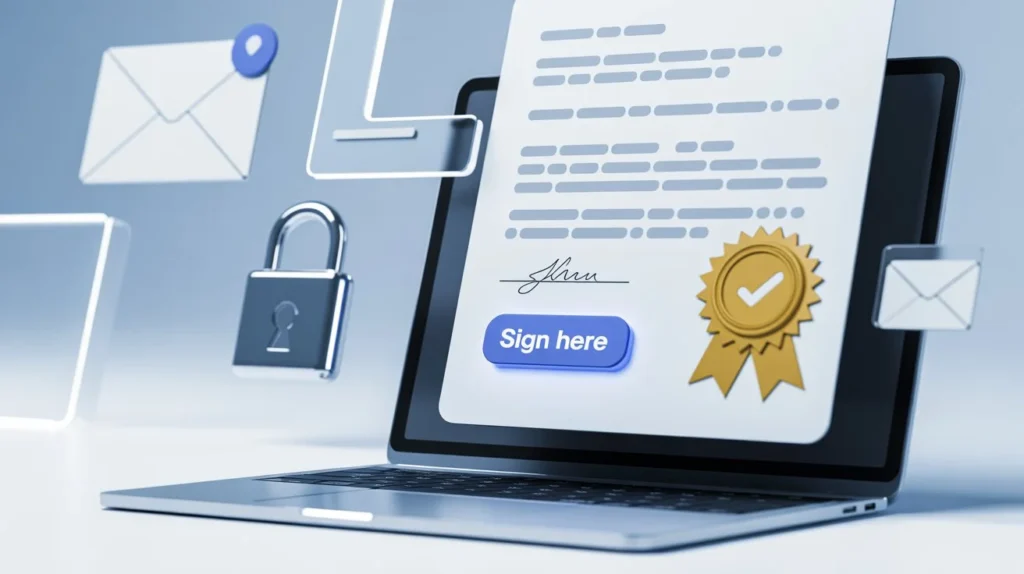
What is a Free Sign PDF with Digital Certificate?
A digital certificate is an electronic document used to prove the ownership of a public key in public-key cryptography. It acts as a secure and tamper-proof identification system, much like a passport or identity card in the digital world. The digital certificate contains information about the certificate holder’s identity, the public key used for encryption, and the certification authority that issued the certificate.
When you sign a PDF with a digital certificate, you’re applying an encrypted signature that ensures the document hasn’t been tampered with and that the signature is legally valid. This is especially important in the context of contracts, agreements, and official forms.
Why Sign PDFs with a Digital Certificate?
- Legally Binding : A digital signature is a legally binding method of signing documents in many countries. It provides a level of trust and authentication that is often required for legal or contractual purposes.
- Enhanced Security: Digital certificates use encryption to secure your signature, ensuring that only the person with the correct private key can sign the document. This level of security is difficult to replicate, which makes it much harder for unauthorized users to forge signatures.
- Faster and Convenient: Signing documents manually can take time and involve printing, scanning, and sending physical copies back and forth. With our Free Sign PDF with Digital Certificate tool, you can sign your documents online in just a few clicks.
- Non-Repudiation: A digital signature ensures that the signer cannot later deny having signed the document. This concept of non-repudiation is vital for maintaining trust in business and legal transactions.
- Environmentally Friendly: By eliminating the need for paper-based signing, you reduce your carbon footprint and contribute to a more eco-friendly process.
How to Free Sign PDF with Digital Certificate Using the iLovePDF App
Signing a PDF file with a digital certificate on iLovePDFApp is quick and easy. Follow these simple steps:
Step 1: Prepare Your PDF File and Digital Certificate
Before you begin, make sure you have the PDF document you want to sign and a valid digital certificate stored on your device. If you don’t have a certificate yet, you can obtain one from a trusted certificate authority (CA).Step 2: Upload Your PDF to iLovePDFApp
Head to the [iLovePDF App: Free Sign PDF with Digital Certificate](https://ilovepdfapp.com/sign-pdf-with-a-digital-certificate/) tool. Simply click the “Upload PDF” button to choose and upload your document.Step 3: Choose Your Digital Certificate
Once the PDF is uploaded, you’ll be prompted to select your digital certificate. Ensure that you have your private key and certificate password ready, as you’ll need these to sign the document securely.Step 4: Add Your Signature
After uploading the PDF and selecting your certificate, position your signature on the document as you wish. Our tool will automatically encrypt your signature and apply it to the PDF.Step 5: Download the Signed PDF
Once the signature is applied, you can preview the signed PDF. If everything looks good, simply click “Download” to save your signed document.
That’s it! Your PDF is now digitally signed and ready for sharing or submission.
Why Choose iLovePDFApp?
Free to Use
Our tool allows you to sign PDFs with a digital certificate for free. There are no hidden fees, and you don’t need to create an account to use the service.
- Secure and Reliable
We prioritize your privacy and security. All your files are encrypted during the signing process, and we don’t store any of your uploaded documents after the process is complete. - Easy to Use
The interface of iLovePDFApp is designed to be intuitive and simple. Whether you’re new to digital signatures or a seasoned professional, you can sign PDFs quickly without any hassle. - Fast Processing
iLovePDFApp ensures a fast, efficient signing process. You’ll be able to sign your document in just a few minutes, saving you time and effort. - No Software Download Required
No, no need to install any software. Our online tool works directly in your browser, allowing you to sign documents on any device with an internet connection.
- Secure and Reliable
Common Uses for Digital PDF Signatures
- Legal Agreements: Sign contracts, terms of service, and other legal documents digitally.
- Financial Documents: Securely sign invoices, receipts, and tax forms.
- Business Documents: Official company correspondence, proposals, and NDAs.
- Healthcare Documents: Sign medical records, consent forms, and other sensitive patient documents.
- Government Forms: Complete and sign forms for governmental purposes securely.
FAQs:
A digital certificate is an electronic document used to prove the ownership of a public key and provide a secure, encrypted way to sign documents online. It includes information about the certificate holder, the public key, and the certificate authority that issued the certificate.
A trusted certificate authority (CA) can provide you with a digital certificate. Some common CAs include Symantec, DigiCert, and GlobalSign. Alternatively, you may also use government-issued certificates in some countries.
Yes, in many countries, a digital signature is legally binding and can be used for various legal and contractual purposes. It is recognized by governments and institutions as a valid form of identity verification.
Yes, you can use other methods to sign PDFs, such as drawing your signature with a mouse or using an image. However, these methods do not provide the same level of security and authenticity as a digital certificate.
Yes, your security and privacy are our first priorities. We use encryption to ensure that your documents are secure during the signing process. Your files are not stored on our servers once the process is completed.
By using iLovePDFApp, you can enjoy a seamless, secure, and free way to sign your PDF documents with a digital certificate. Try it today and experience the ease and security of digital signatures!
For more information, visit our [Free Sign PDF with Digital Certificate].