
Table of Contents
How to Add a Watermark to PDF: Secure Your Documents with Text or Image Watermarks Online
Adding a watermark to your PDF is a practical way to protect your documents and establish your brand. You can easily add text or image watermarks using online tools, ensuring your PDFs remain secure and visibly marked with ownership or authenticity.
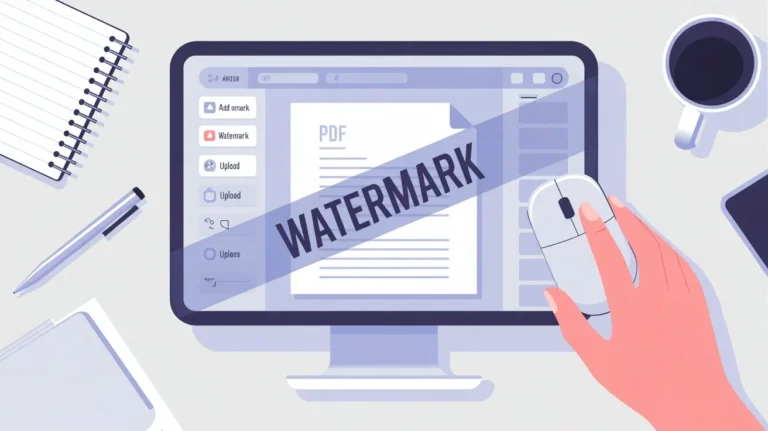
Why Add a Watermark to PDF?
Watermarks help deter unauthorized copying, sharing, or misuse of your documents, making them a first line of defense for sensitive, proprietary, or branded content. Businesses and individuals use watermarks to:
- Protect intellectual property and discourage plagiarism.
- Boost brand recognition by including logos or company names.
- Add professionalism and visual appeal to documentation.
- Establish clear ownership, such as by including copyright notices.
How to Add a Watermark to PDF
Adding a watermark—text or image—can be quick and easy:
- Use online tools or PDF editors (such as ilovepdfapp.com) to upload your PDF.
- Select the desired watermark (text or logo/image).
- Customize the watermark’s position, opacity, rotation, size, and page range.
- Preview and download the watermarked PDF instantly.
Some tools offer advanced options, like batch watermarking multiple PDFs, choosing watermark placement on specific pages, and even applying AI for automated watermark intelligence..
Choosing the Right Watermark
- Text Watermark: Ideal for adding copyright, confidential, or draft marks.
- Image Watermark: Perfect for logos, branding graphics, or custom seals.
Most tools let you adjust font, color, transparency, and layout, giving your PDFs a personalized and professional look without affecting readability.
Add a Watermark Using ilovepdfapp.com
With [ilovepdfapp.com] you can add text or image watermarks to PDFs effortlessly:
- Visit the tool’s watermark page.
- Upload the PDF you wish to mark.
- Insert and customize your watermark—set typography, transparency, and location.
- Download your protected, professional PDF.
Related PDF Tools (Try These!)
Enhance your document workflow with more tools from ilovepdfapp.com:
- [PDF to Word Converter] -Turn your PDFs into editable Word files.
- [PDF to Text Converter] – Extract and save text from any PDF.
- [PDF to RTF Converter]– Convert PDFs to Rich Text Format for versatile editing.
Frequently Asked Questions
A PDF watermark is a translucent text or image added to the document’s background, signaling document protection, copyright, or branding.
Watermarking prevents unauthorized copying, helps with brand promotion, and adds professionalism to your files.
Yes, you can modify font, color, transparency, and location to suit your needs, whether for a logo or a copyright text.
No, when properly applied with the right transparency and position, a watermark won’t obstruct your content.
Absolutely! ilovepdfapp.com offers PDF to Word, PDF to Text, and PDF to RTF conversion tools to streamline your document management.
Adding watermarks to PDF files is a simple step that goes a long way in protecting, personalizing, and managing your digital documents—try it today on ilovepdfapp.com!