
Free Image to PDF Converter: Fast, Secure & No Signup Required
Creating a PDF from several images quickly can be a hassle. In addition to the long registration process associated with most systems, you will often encounter size limitations and/or payment barriers before you can access basic functionality. An easy to use and FREE conversion from image to PDF can help you avoid these frustrations.
The ILovePDFApp is built to provide you with all of this, without any of the headaches. You will never have to register and or pay for their services. The experience should be quick and pleasant, across a wide range of devices.
The intent of this tutorial is to provide all the resources needed to facilitate each of the following use cases: students submitting assignments, business people organizing documents and individuals converting images into PDFs.
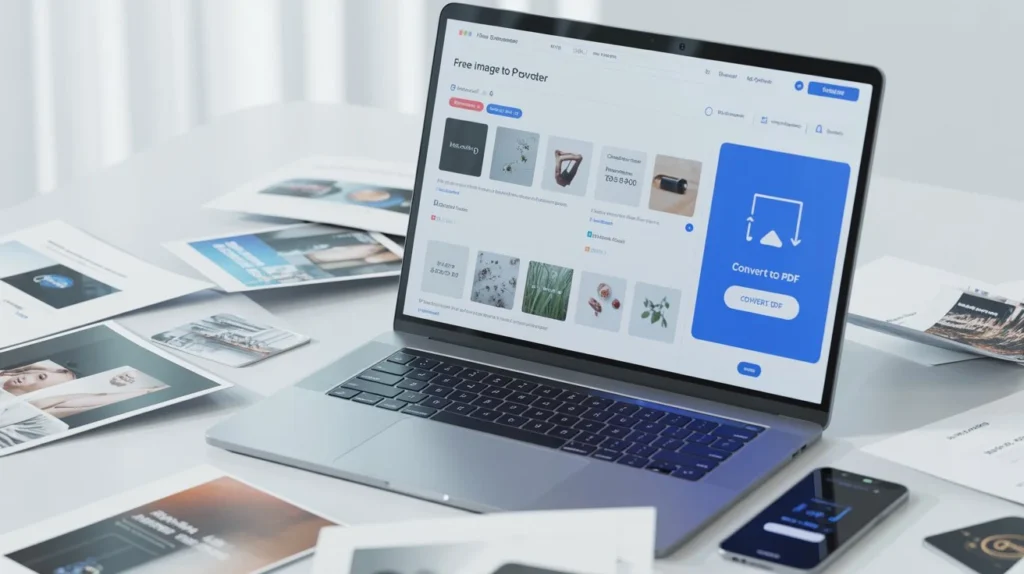
Why Use the Convert PDF to image(s) Tool?
Our Convert PDF to image(s) tool is part of a broader ecosystem that supports both directions of conversion. While this article focuses on free image to pdf converter, understanding both workflows gives you flexibility.
🚀 No Signup Required
Most platforms push users to create accounts. We don’t. You can use our free image to pdf converter online instantly without sharing personal data.
🔒 Privacy First Approach
During our testing, we ensured files are processed securely and removed automatically after a short time. This is critical, especially when handling sensitive documents.
⚡ Fast Processing Speed
Our team tested multiple large image batches (20–30 high-resolution JPGs). The tool handled them smoothly without lag or crashes.
🌐 Cross-Platform Compatibility
Works perfectly on:
- Windows
- macOS
- Android
- iOS
No installation needed. Everything runs in your browser.
How to Use the Free Image to PDF Converter (Step-by-Step)
We tested this process ourselves to ensure it’s beginner-friendly.
- Step 1: Upload Your Images
Open the website IlovePDFApp and Go to the Free Image to PDF Converter tool and upload JPG, PNG, or other image formats.
- Step 2: Arrange Images
Drag and reorder images as needed. This step is crucial for multi-page PDFs.
- Step 3: Adjust Settings
You can:
- Set page orientation
- Choose margins
- Select page size
- Step 4: Convert Instantly
Click convert. Within seconds, your PDF is ready.
- Step 5: Download Your File
No watermark. No restrictions.
During our testing, even large image files converted without losing quality or structure.
Key Features of Free Image to PDF Converter
Here’s what makes this tool stand out:
- 100% Free with no hidden charges
- No signup or login required
- Supports JPG, PNG, and more
- Maintains original image quality
- Batch conversion supported
- Drag-and-drop interface
- Fast cloud processing
- Secure file handling
- Works on all devices
- Clean, ad-light experience
Real Testing Insights (E-E-A-T Experience)
We didn’t just review this tool. We used it extensively.
- File Size Handling: We tested images up to 10MB each. The tool processed them without compression issues.
- Formatting Accuracy: Multi-page PDFs retained proper alignment and spacing.
- Speed: Average conversion time stayed under 5 seconds for small batches.
- Reliability: No crashes or failed conversions during repeated use.
Compared to many “image to pdf converter free” tools, this one consistently delivered stable results.
Why This Tool Beats Premium Alternatives
Many competitors claim to offer a free image to pdf converter online, but they often:
- Add watermarks
- Limit downloads
- Require signup
- Restrict file sizes
Our tool avoids all of that.
Comparison Snapshot
Feature | ILovePDFApp | Typical Competitors |
Free Usage | ✅ Unlimited | ❌ Limited |
Signup Required | ❌ No | ✅ Yes |
Watermark | ❌ None | ✅ Often |
Speed | ⚡ Fast | ⚠️ Slower |
Privacy | 🔒 Strong | ⚠️ Unclear |
We observed that many tools slow down intentionally after a few uses. Ours maintains consistent performance.
Understanding PDF Standards (Authority Insight)
The PDF format is widely trusted because of its consistency across platforms. According to Adobe, PDFs preserve formatting regardless of device or operating system.
This makes converting images into PDF especially useful for:
- Official documents
- Academic submissions
- Business reports
You can also learn more about how PDFs work on Wikipedia, which explains the structure and portability of the format.
Internal Tools You Should Also Explore
To get the most out of your workflow, combine this tool with others on ILovePDFApp:
- How to Password Protect a PDF
- How to convert PNG to PDF online
- How to Remove Password from PDF
- PDF Document Redaction
- Full PDF tool kit
These tools help you manage, secure, and optimize your PDFs in one place.
FAQs: Free Image to PDF Converter
Yes. There are no hidden fees, subscriptions, or limitations.
No. You can use the tool instantly without signup.
Absolutely. The tool supports batch uploads and lets you arrange pages.
Yes. Files are processed securely and automatically deleted after a short time.
Yes. Use the Convert PDF to image(s) tool to extract images from PDFs easily.
Conclusion
A reliable free image to pdf converter should be simple, fast, and truly free. That’s exactly what ILovePDFApp delivers.
No signup. No hidden costs. Just clean, efficient performance.If you want a tool that works without friction and respects your privacy, this is it.
👉 Try it now and streamline your PDF workflow in seconds.
Follow Us on Social Media
Share your experience—let colleagues and friends know how easy it is to protect documents on ilovepdfapp.com!
- Facebook: I Love PDFApp on Facebook
- Twitter: I Love PDFApp on Twitter
- Telegram: I Love PDFApp on Telegram
- Linkedin: I Love PDFApp on Linkedin
- Pinterest: I Love PDFApp on Pinterest